Chrome extension

Know your commute
before you leave.

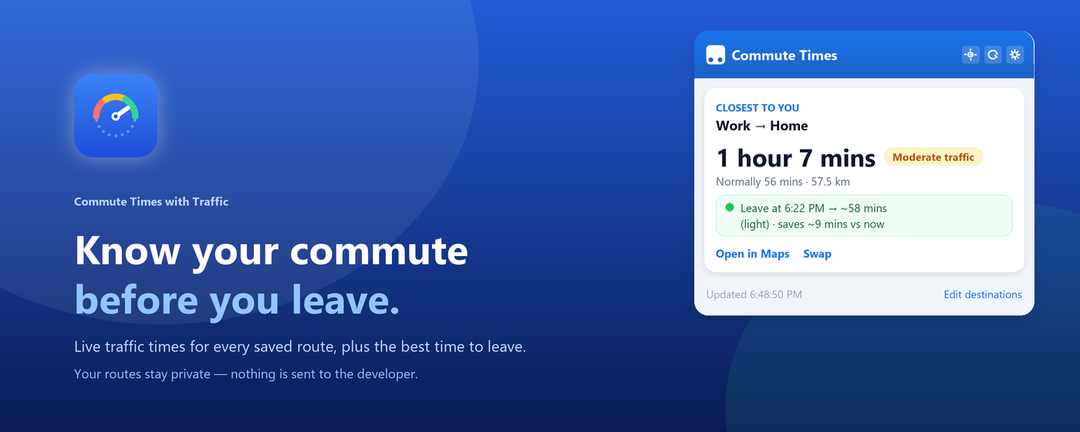
Live traffic travel times for every route you save — Work to Home, Home to Work, school, the gym — plus the best time to leave when the road is jammed.

Free · Bring your own Google Maps API key · No account, no tracking
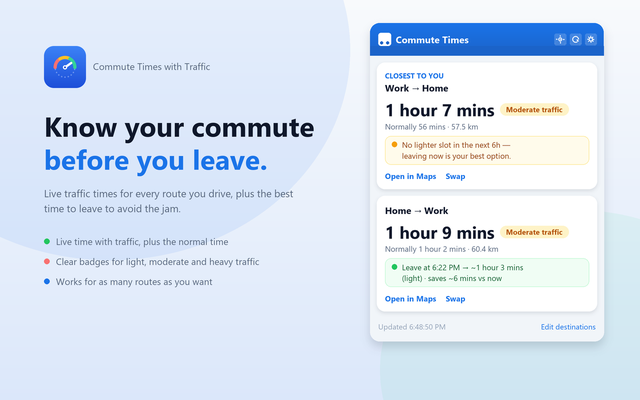
The Commute Times popup shown next to a traffic gauge

Everything you actually need on a commute

No maps to open, no addresses to retype. Your routes are already there when you click the icon.

Live time, with traffic

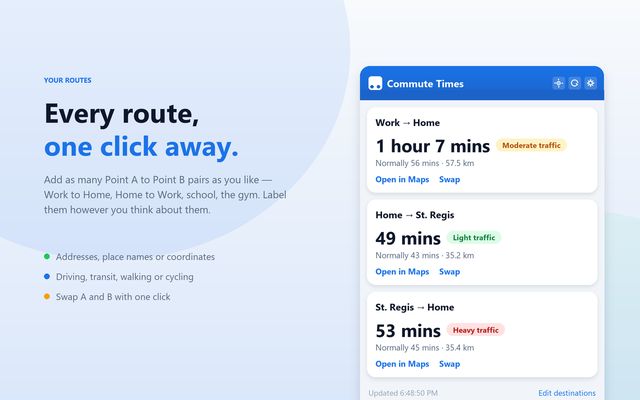
Every saved route shows the current travel time including live traffic, the normal time, and the distance.

Best time to leave

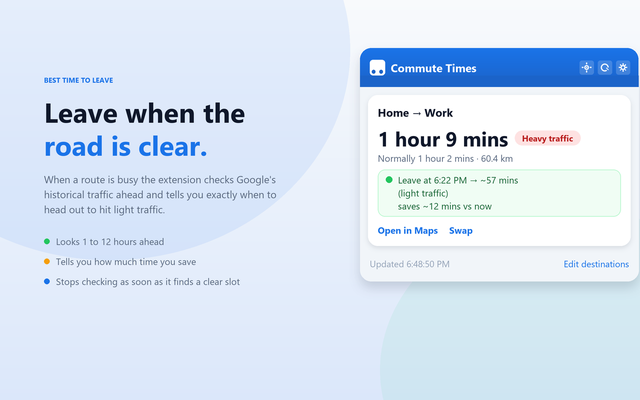
When a route is busy, the extension checks the hours ahead and tells you when to head out to hit light traffic.

Knows where you are

Press locate and it works out which route starts nearest to you, then puts it first. At work you see Work to Home.

As many routes as you like

Add any number of Point A to Point B pairs, name them your way, and swap the direction with one click.

Light traffic Moderate traffic Heavy traffic

Take a look

A one-glance popup, with the time on the toolbar icon so you do not even have to open it.

Popup showing two routes with live traffic times
Every route with live traffic and a clear traffic badge.
A route showing the best time to leave
Jammed route? It tells you when to leave instead.
Several saved routes listed
Save as many destinations as you like.

Set up in about two minutes

The extension uses your own Google Maps API key, which keeps your data in your account and costs nothing at commuting volumes.

Get a Maps API key

In Google Cloud, enable the Distance Matrix API and create an API key. Google's monthly free credit covers personal commuting many times over.

Paste it in Settings

Open the extension's settings, paste the key and press Test key to confirm it works.

Add your routes

Give each one a label like Work → Home, set Point A and Point B, and save. Addresses, place names or coordinates all work.

Your routes stay yours

No developer server, no analytics, no tracking. Your addresses go only to Google's Distance Matrix API using your own key, and your location is read only when you press the locate button.

Read the privacy policy